One PDF, every listing: edit your delivery template once and Etsy updates itself
Most sellers mint a unique Dropbox or Drive link for every product, paste it into a PDF, and upload it listing by listing. In TRNSFR the delivery PDF is a template: change it once and every linked Etsy listing updated
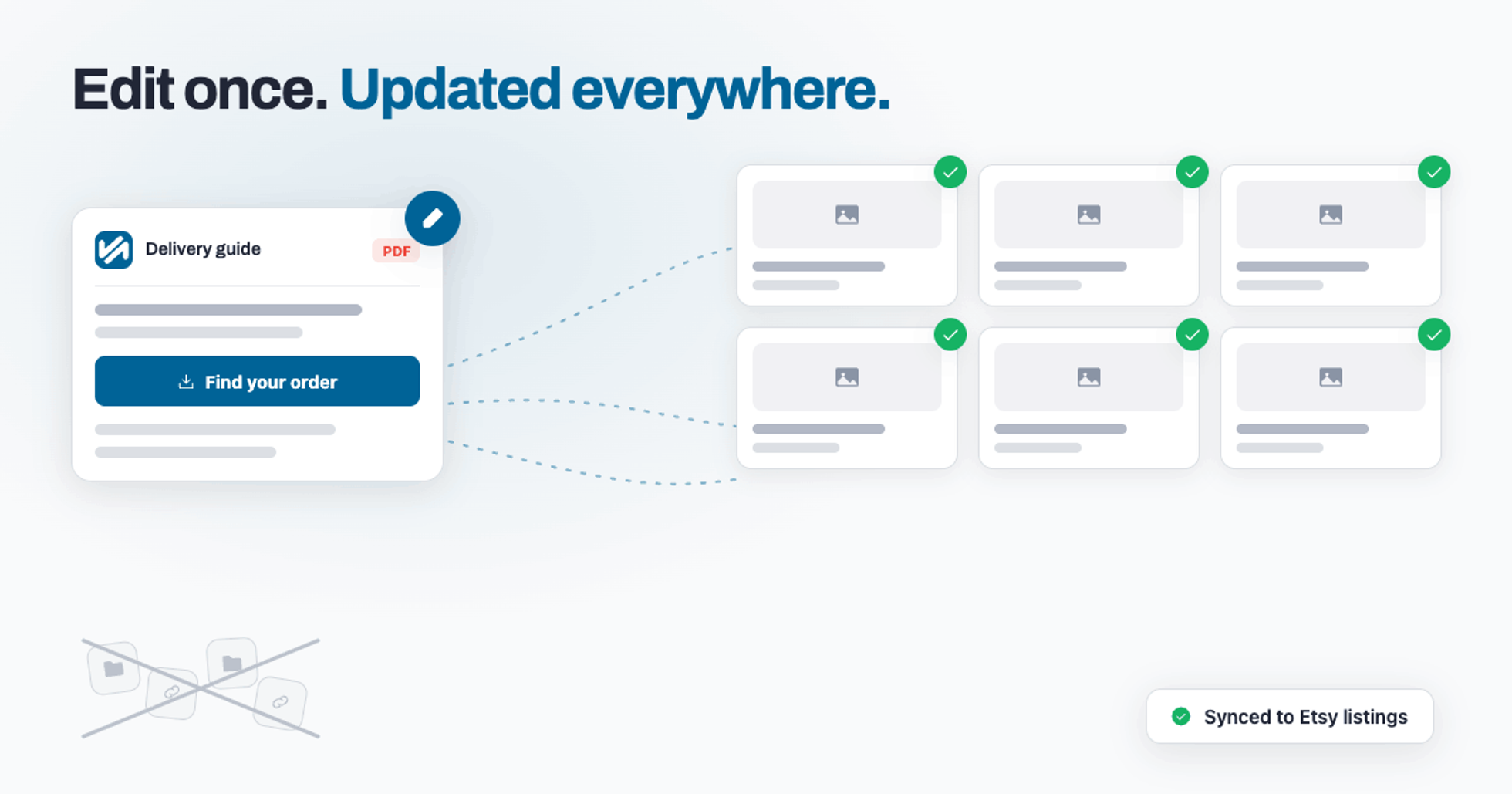
Ask any digital seller how they deliver big files on Etsy and you'll hear the same routine. Etsy caps digital downloads at 20 MB, so out comes Dropbox or Google Drive: make a folder for the product, generate a unique share link, paste that link into a PDF, upload the PDF to the listing. It works — once.
Then you list product number two, and the whole routine runs again. New folder, new link, new PDF, new upload. By the time you have a proper catalogue you're maintaining a spreadsheet of share links — and the day your wording needs to change, or a link dies, you're facing an afternoon of re-exports and re-uploads across every listing you own.
The link factory
One folder per product. One unique link per folder. One PDF per link. One upload per listing. Multiply that by everything in your shop and you've built yourself a small factory — one that produces nothing buyers value, only admin for you.
The factory has a quality problem too. When a buyer messages "the link doesn't work", which of your forty PDFs is the broken one? When you improved your instructions last spring, did every listing get the new version, or are half of them still serving the old file? There's no way to know without opening each one.
Your delivery PDF, as a living template
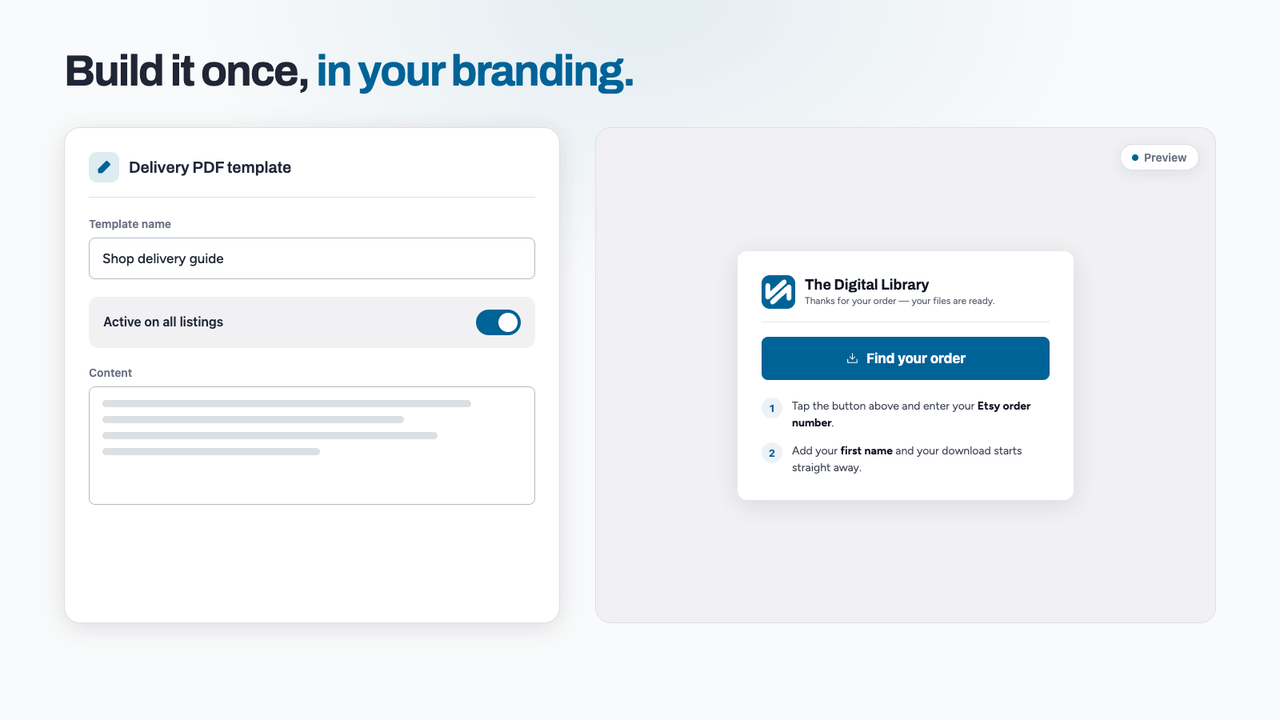
In TRNSFR the delivery PDF isn't a file you export — it's a template you build once, inside the platform. Add your branding, your shop's download portal address, and clear steps for the buyer: they'll just need their Etsy order number and first name to find their order. Preview it and you're seeing exactly what buyers will open.
Notice what's missing: the unique link. One branded portal serves every order, and files are locked to each individual purchase automatically — so there are no "anyone with the link" folders floating around the internet, and nothing to mint when you list something new.
ete before publishing)
Link it to listings in bulk
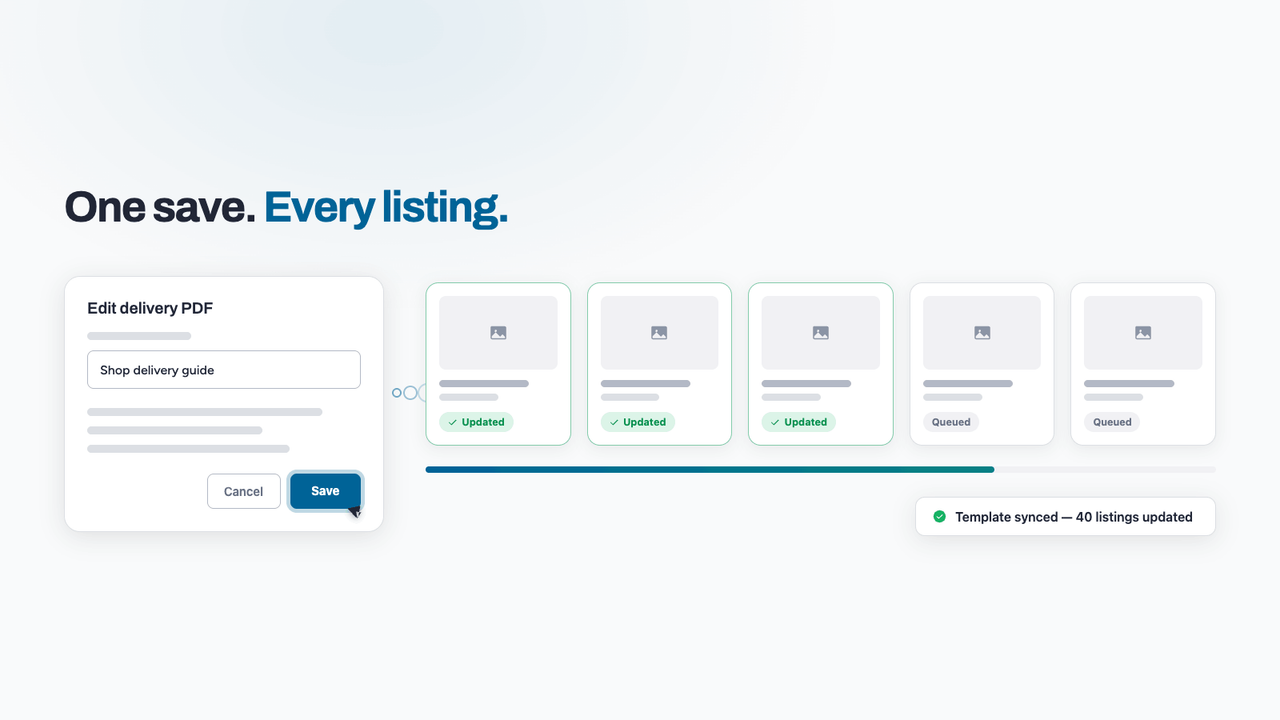
A template earns its keep when it's attached to your whole catalogue. Link it to as many listings as you like in one action; TRNSFR works through them one by one and confirms each listing individually, so nothing is silently skipped. Forty listings, one template, zero copy-paste.
Change the template, and every PDF on Etsy updates
Here's the part that retires the factory. Save an edit to your template — new wording, new branding, anything — and TRNSFR rebuilds the PDF for every linked listing and pushes the new file to Etsy itself, all of them, in one sweep. No re-exporting, no re-uploading, no checking which listings you missed.
When the sweep finishes you get a notification telling you it's done and how many listings were updated. That typo you spotted at breakfast? Fixed across the entire shop before the kettle boils. Set it up. Walk away.
What buyers see
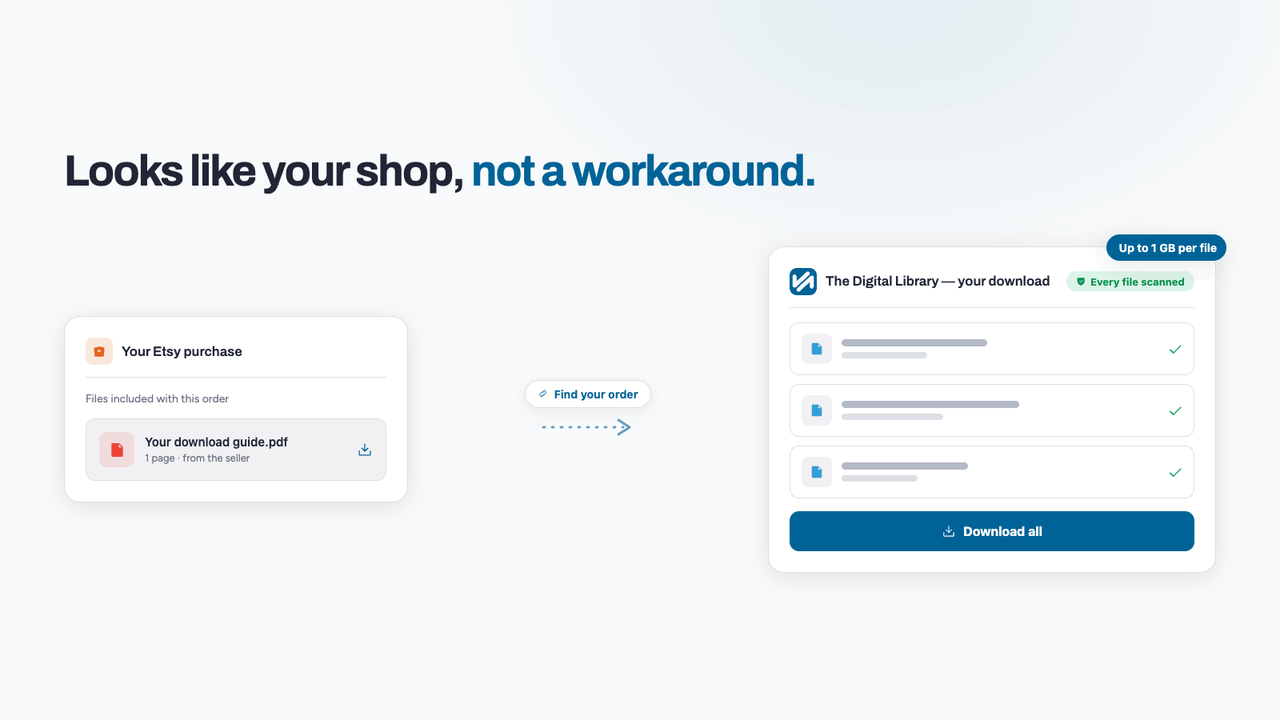
On their side, buyers get a clean, branded PDF in their Etsy download that walks them straight to your portal — where the real files live, up to 1 GB each, every one virus-scanned before anyone can touch it, and locked to their order rather than sitting behind a shareable folder link. It looks like your shop, not like a workaround.
Retire the link factory
File delivery and PDF templates are part of the paid TRNSFR suite, and you can try the whole thing for 30 days. Build your template, link your listings, and make your next update the last one you ever do by hand. Start your 30-day trial.
Try it on your shop.
Sign up free — no card. 3 features free forever, and a 30-day trial of everything else inside the app.