Every file scanned, quarantined, and cleared — before anyone can download it
Every file you upload is held in quarantine, virus-scanned one by one, and only delivered once it's clean — and every buyer gets a written, per-file scan record inside their download.
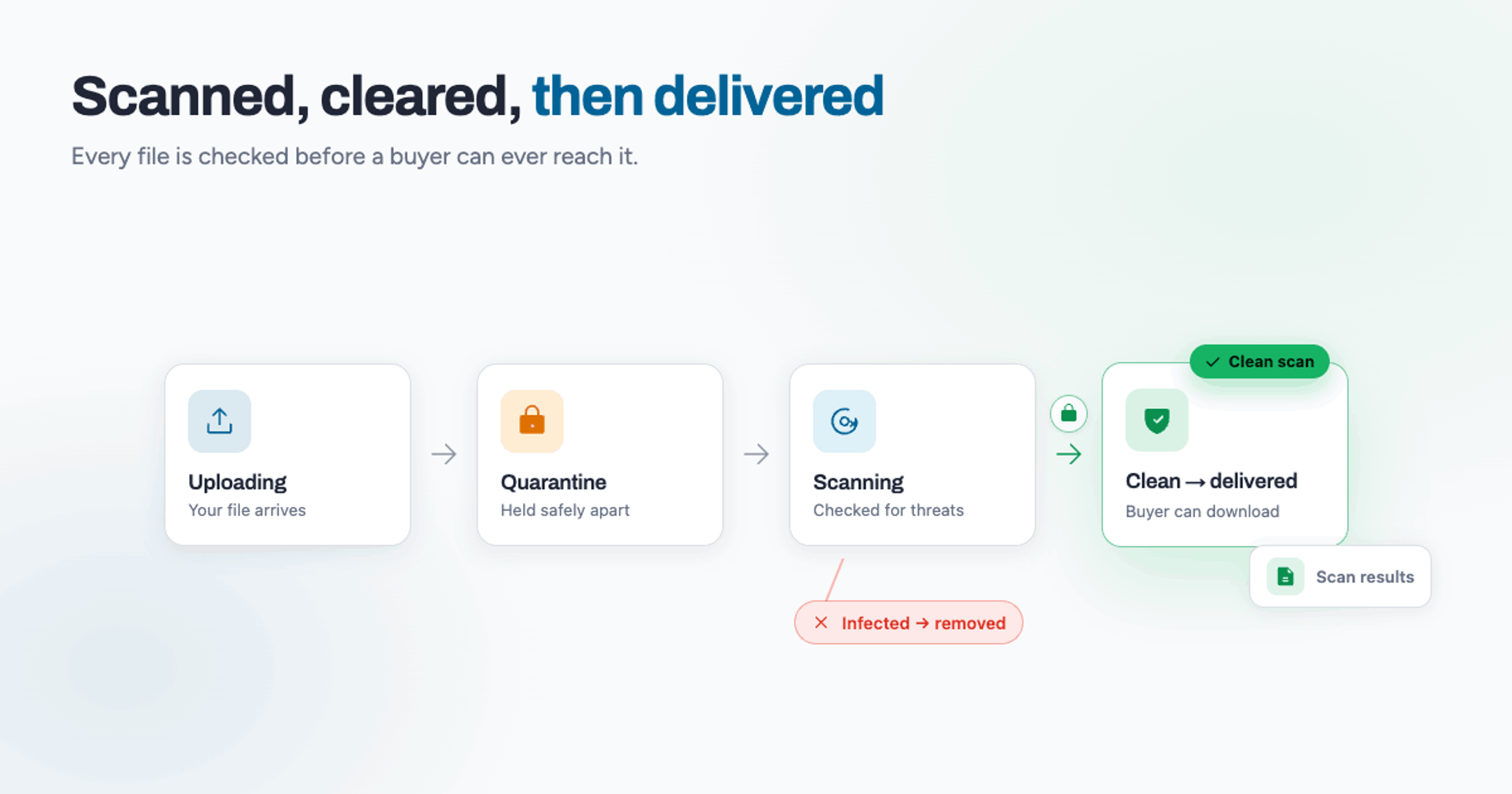
When someone buys a digital product, they're trusting you with two things: that the file is what you promised, and that it's safe to open. TRNSFR is built so you never have to think about the second one. Every file you upload is checked before it can ever reach a buyer — and every buyer can see, in writing, that the files they've just downloaded were scanned and passed.
Here's exactly how that works, start to finish.
Nothing reaches a buyer until it's been cleared
The most important idea is also the simplest: a freshly uploaded file is never sitting in the same place as the files we deliver. When you drop a file into TRNSFR, it lands in a separate holding area — quarantine — and stays there. It isn't attached to any order, it isn't downloadable, and it doesn't move an inch until a virus scan has finished and come back clean.
Only a clean result promotes a file out of quarantine and into the place it can be delivered from. If a scan comes back infected, the file never makes that journey at all. That's the whole safety model in one line: clear first, deliver second. Set it up. Walk away.
The journey of a single file
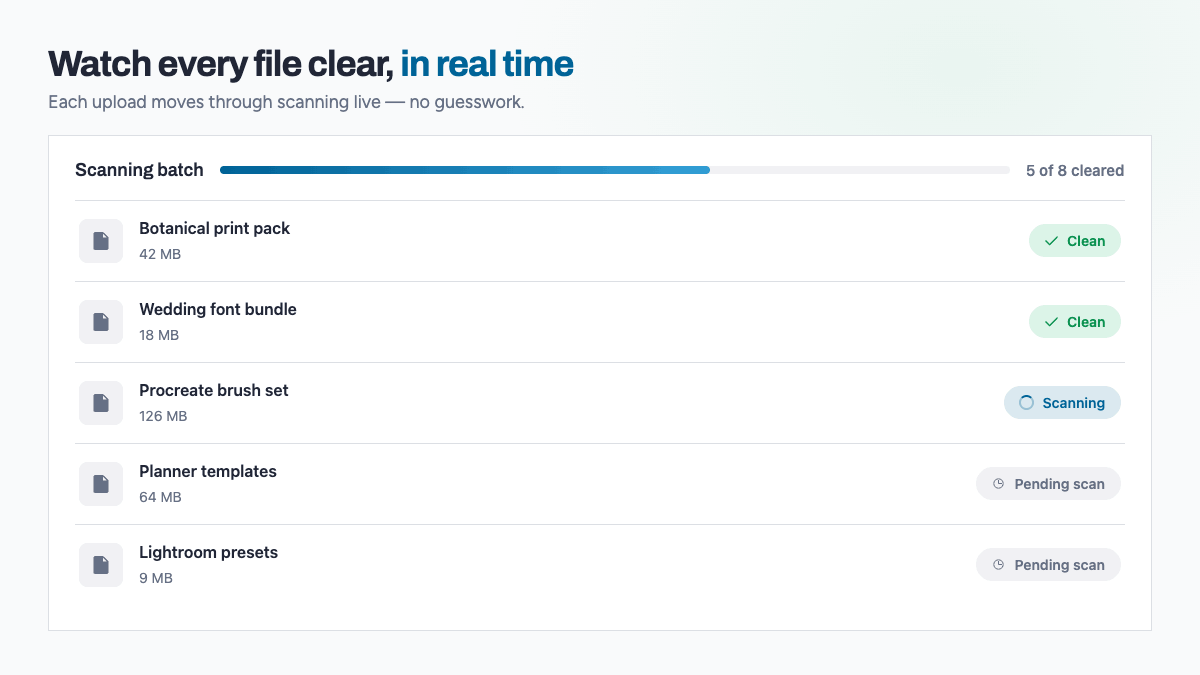
Every file moves through the same set of stages, and you can watch each one happen on your dashboard in real time.
Uploading. Your file is transferred into TRNSFR's storage. Large files are handled in parts, so even a near-1 GB upload arrives intact.
Pending scan. The upload is complete and the file is waiting in quarantine for its turn with the scanner.
Scanning. A background worker hands the file to our dedicated virus-scanning service, which runs it through ClamAV. We open a scan report for that exact file the moment scanning begins, so there's always a record of what happened.
Clean — or infected. When the scanner returns a verdict, the file's status flips to the result. A clean file is copied out of quarantine into its final, deliverable location. An infected file is quarantined and removed, and you're notified straight away with the threat that was found.
Because every file carries its own report, you get a result per file — not a single pass-or-fail for a whole upload. A bundle of forty files is forty individual verdicts, each with its own timestamp and, if anything is found, the name of the threat.
You can watch it happen
You don't have to refresh and hope. As files move from pending scan to scanning to clean, the status updates live on your dashboard. For a big batch you can see the queue working through itself — which is reassuring the first time you upload a large pack, and quietly invisible every time after.
If anything ever stalls — a dropped connection mid-upload, a scan that doesn't report back — TRNSFR reconciles it automatically in the background rather than leaving a file stuck in limbo. You shouldn't need to chase it, and you won't.
What the buyer sees — proof in every download
This is the part most file-delivery tools skip, and it's the part your buyers quietly appreciate.
Every download a customer receives includes a plain-text file at the top level called "TRNSFR - AV Scan Results.txt". It's laid out to mirror the folder structure of the download itself, and it lists every file they've just received with:
- the file name,
- its scan result (clean, and the wording is right there in capitals),
- the date and time it was scanned, and
- the threat detected — which, for a clean file, simply reads "None".
So a buyer doesn't just have to take your word for it. They open their download and there's a written, per-file record showing each item was scanned and passed. For anyone who's ever hesitated over a digital download from a stranger, that's the difference between "I hope this is fine" and "I can see this is fine".
It's good for you, too. If a buyer ever raises a question about a file, the answer is already sitting in their download — no support back-and-forth, no screenshots, just a clear record that the file left your shop clean.
Why quarantine-then-promote matters
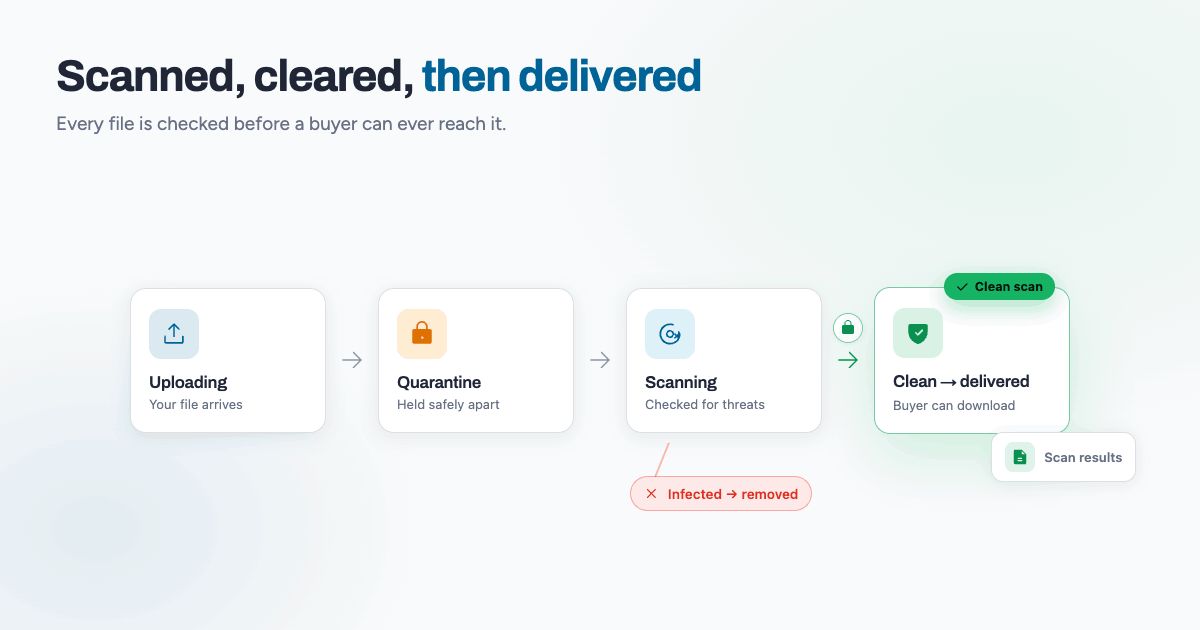
Plenty of systems scan files. Fewer keep unscanned and scanned files genuinely apart. By holding every upload in quarantine and only ever promoting a file once it's passed, TRNSFR makes it structurally impossible for an unscanned or infected file to be delivered by mistake. The safe path is the only path a file can take.
That's the same thinking behind the buyer-facing record: security that's invisible when everything's fine, and obvious the moment anyone wants to check.
In short
Upload, and your file waits safely in quarantine. It's scanned, file by file, with the whole queue visible on your dashboard as it happens. Clean files move on to be delivered; infected files never leave quarantine and you're told immediately. And every buyer gets a written, per-file scan record inside their download — proof that what they've received was checked and passed.
You set up your shop once. TRNSFR keeps every file clean on the way out, every time. Set it up. Walk away.
Ready to deliver files your buyers can trust? It's free to sign up — no card needed. The full delivery suite, including branded downloads with built-in virus scanning, is yours to try free for 30 days. Start for free.
Try it on your shop.
Sign up free — no card. 3 features free forever, and a 30-day trial of everything else inside the app.