Delivered isn't the same as wide open: expiry, download limits and device caps
A clean, virus-scanned file is only step one. Three simple per-order controls — an expiry window, a download cap and a device limit — keep that download link from being passed around forever.
Getting a clean, scanned file into your buyer's hands is the easy part. The harder question is what happens next. A download link that never expires, has no limit and works on any number of devices is, in practice, a link that can be shared around for as long as anyone likes. TRNSFR gives you three simple per-order controls so a single purchase stays a single purchase.
Scanned and safe — but is the link still wide open?
Every file you deliver through your branded portal is virus-scanned and locked to the order it belongs to. That protects the buyer. To protect your work as well, you can add limits to each order's download so access doesn't outlive the sale. All three controls live on the order, so you can set sensible defaults once and adjust an individual order whenever you need to.
Set an expiry window so links don't live forever
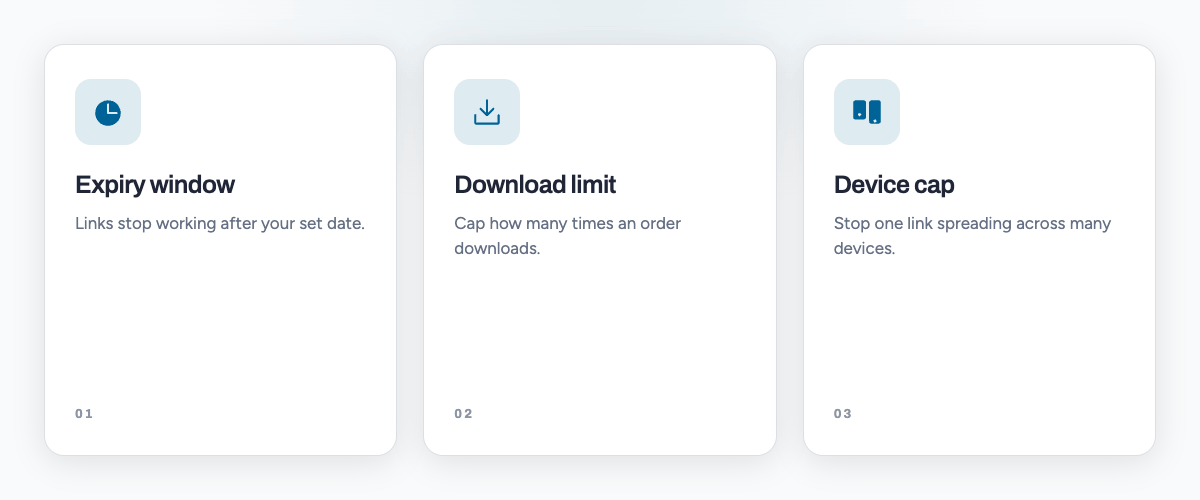
Give each download an expiry date and the link simply stops working once that window closes. It's ideal for time-limited offers, review copies and early-access drops, and it quietly closes the door on a link that would otherwise keep working months after the sale. Buyers still get plenty of time to save their files; the link just doesn't hang around indefinitely.
Cap the number of downloads per order
Set how many times an order can be downloaded. Enough for a genuine buyer to grab their files, re-download after a mishap and still have headroom — but not so many that one purchase can quietly supply a whole group. If someone does hit the limit for an honest reason, you can lift it on that order in seconds.
Limit how many devices can open one order
The device cap is the one that really discourages link-sharing. TRNSFR recognises the distinct devices that open an order, so you can allow a reasonable number — a phone and a laptop, say — while a link that suddenly turns up on a dozen different devices runs into the wall. It's a light touch for real buyers and a firm one for a passed-around link.
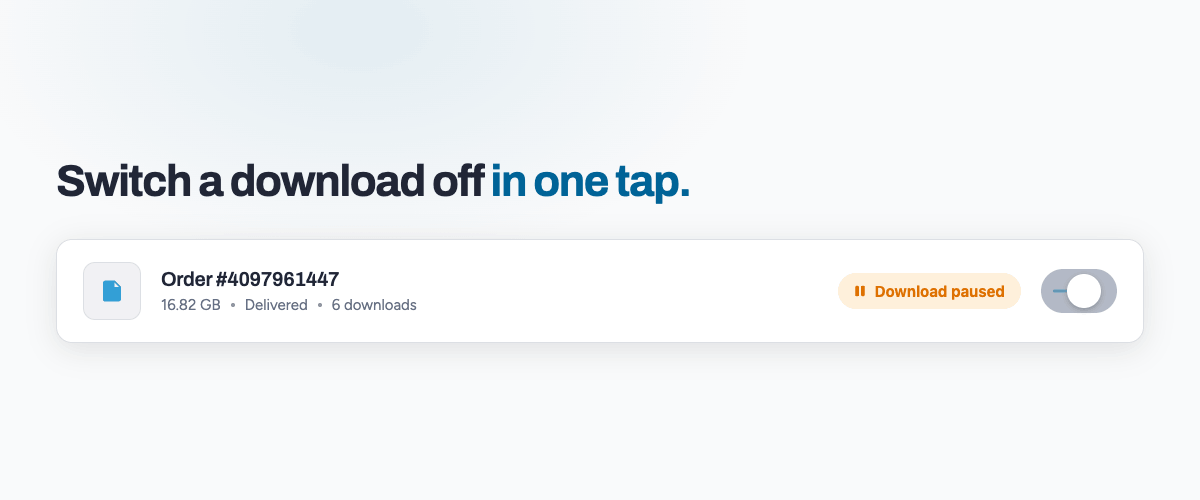
Flip a download off the moment something looks off
If an order looks wrong — a chargeback, a suspicious pattern, a mistake on your side — you can switch its download off instantly, then switch it back on once things are sorted. No need to pull a listing or chase anything down; the control sits right on the order.
Sensible defaults, so you rarely have to think about it
The point of all this isn't to fiddle with every order. Set your expiry window, your download cap and your device limit once, and every new order arrives already protected. Loosen an individual order on the rare occasion a real buyer needs it, and leave the rest to run themselves.
File delivery and its download controls are part of the TRNSFR suite, free for 30 days. Start your free trial and keep every download under your control.
Try it on your shop.
Sign up free — no card. 3 features free forever, and a 30-day trial of everything else inside the app.