Stop Rewriting Listings: Auto-Build Etsy Titles & Descriptions From Your Files
TRNSFR's drag-and-drop title and description builder now drops your actual folder-and-file tree straight into Etsy listings with the new file structure block — and keeps it in sync when your files change.
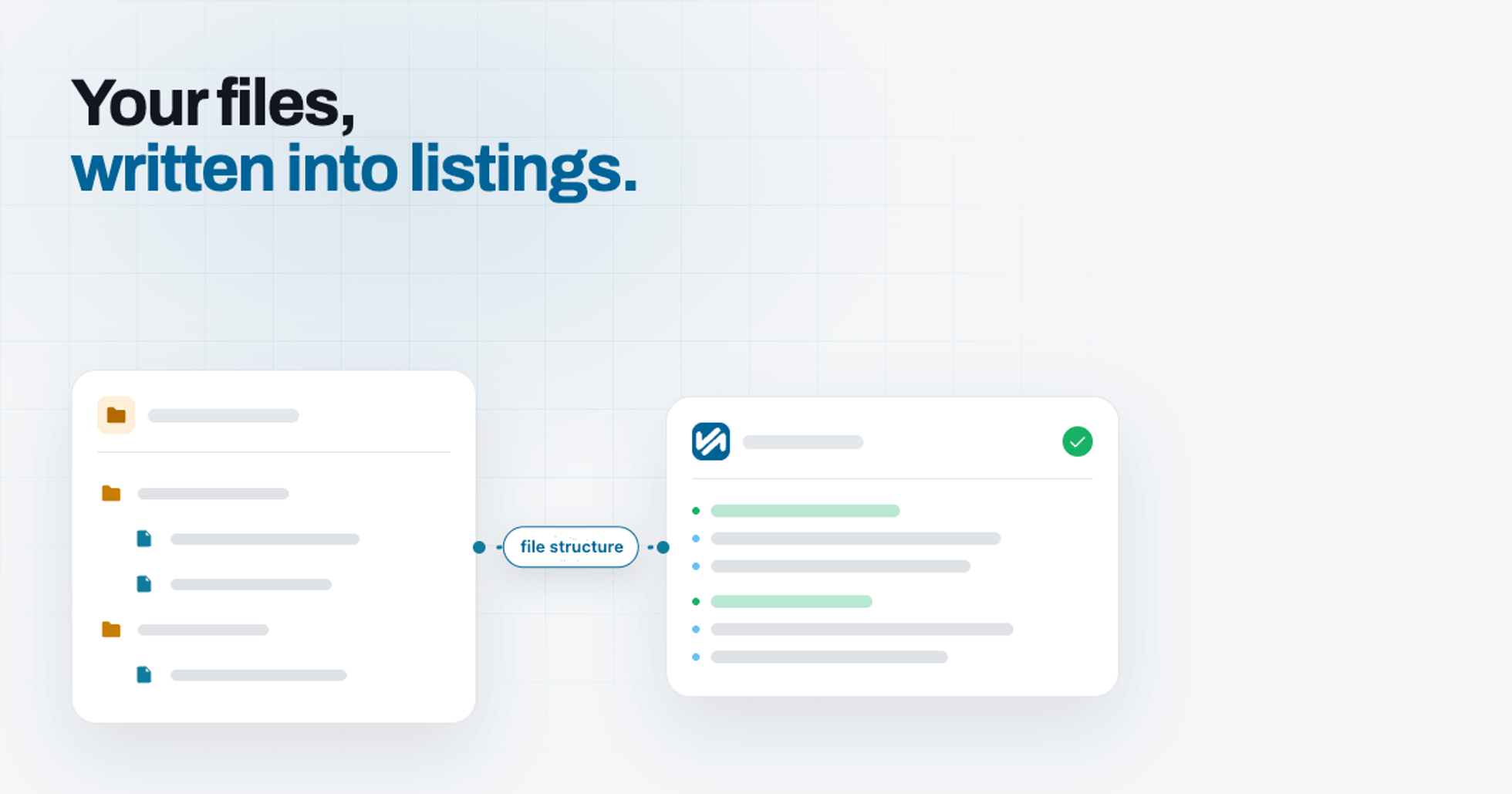
If you sell digital products on Etsy, you know the routine. Every listing needs a description that spells out exactly what's inside — every folder, every file, every format — and you type it all out by hand. Then you add a file, rename a folder, or slip in a bonus, and suddenly every description you've written is out of date.
TRNSFR's title and description builder was made to end that busywork. And with the latest update, it can now write the "what's included" part of your listing for you, straight from your real folder and file structure.
The hidden time-sink no one talks about
For a single-file download, listing copy is easy. For bundles, it's a chore that never ends. A planner pack, an SVG collection, a multi-module course — each one needs its contents listed clearly so buyers know what they're getting, and so your listing turns up in search. Miss a file and you get "what's included?" messages. Reorganise your files and the description quietly drifts from reality. Multiply that across a shop full of listings and you've lost a weekend.
A drag-and-drop builder, not a blank text box
Instead of staring at an empty description box, you build your title and description from blocks you drag into place. Out of the box you can drop in your product SKU, the number of files in the bundle, the total download size, your folder names, custom fields for details unique to your shop, and any plain text you want to write yourself. Arrange them in whatever order reads best, and save a template you can reuse across listings. No code, nothing technical.
New: drop your whole file structure into the listing
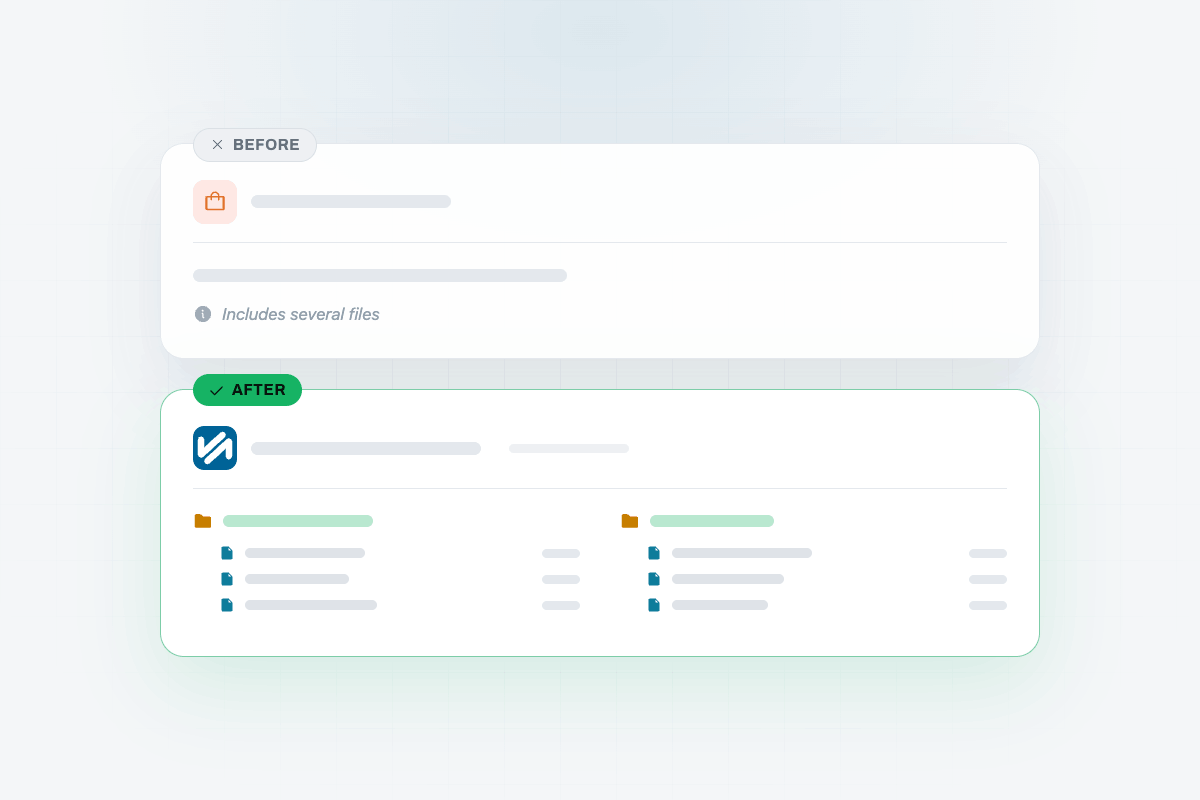
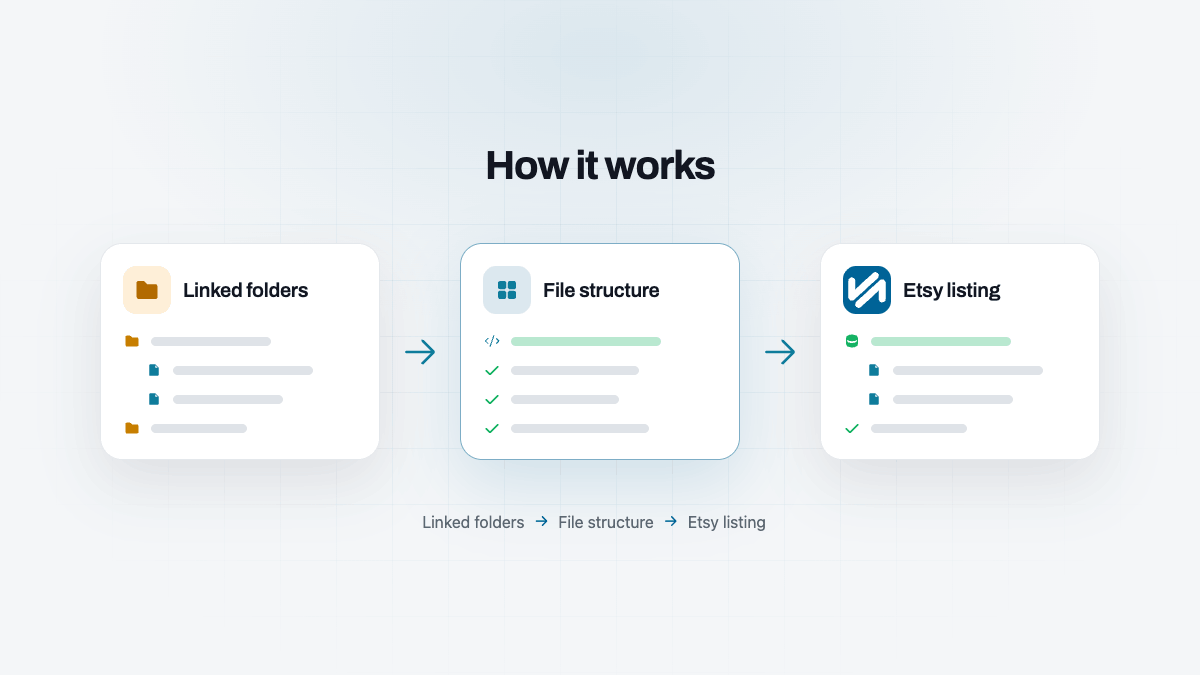
The headline addition is the file structure block. Drag it in, and TRNSFR reads the folders you've linked to that product and renders the full nested tree — folders, subfolders and the files inside them — formatted neatly into your description. Only clean, current files appear: anything you've deleted, or that's still being virus-scanned, is left out automatically, so a buyer never sees a file that isn't really there.
A digital planner bundle stops being a vague paragraph and becomes an accurate, tidy outline of every section and page the buyer is about to download.
What you see is what your buyer sees
The live preview in the builder isn't an approximation. It's generated by the exact same engine that writes the final copy to your Etsy listing, so the preview and the published result always match. There's no guessing, and no "save and check Etsy to see what happened" loop.
Build it once, then leave it
Because the description is assembled from your live files rather than copied out by hand, it stays honest. Restructure a bundle or swap a file, and the next time the listing syncs, the contents update to match. Set it up once and walk away — the listing keeps itself current.
Set it up in a few minutes
- Open the product you want to work on and link the folder or folders it delivers.
- Open the title and description builder for that product.
- Drag in the blocks you want — your headline text, file count, size, and the new file structure block.
- Watch the live preview build your title and description as you go.
- Save. TRNSFR updates your Etsy listing with the finished copy.
A few finishing touches
- Show or hide file extensions, depending on how much detail your buyers want to see.
- Add custom fields for the specifics that make your shop yours.
- Keep or remove the small "powered by TRNSFR" line at the end of the description.
Try it on your shop.
Sign up free — no card. 3 features free forever, and a 30-day trial of everything else inside the app.